How to Create and Edit Professional Radio Commercials with AI Voiceover on SONODIT
Master the art of high-quality radio production by leveraging SONODIT's smart AI voice generation and automated audio processing tools. Learn to create studio-grade spots in minutes.
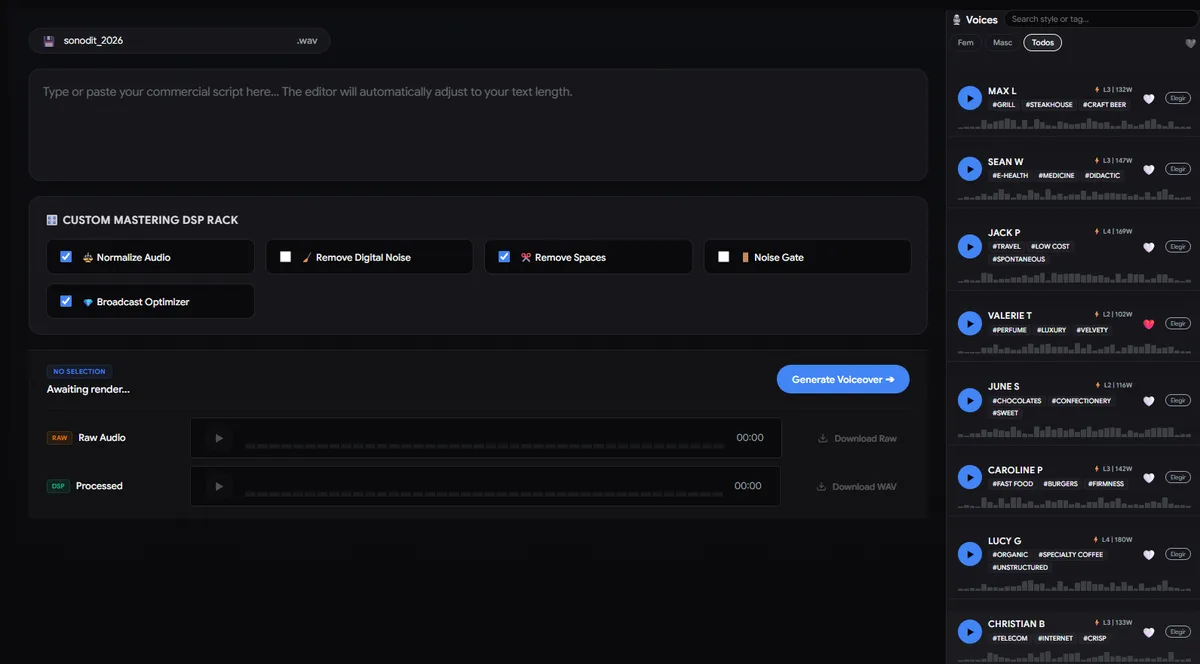
Step 1: Input Your Script
Start your project by entering your radio spot copy into the script editor. SONODIT is designed to handle complex radio scripts with ease, ensuring your message is ready for AI synthesis.
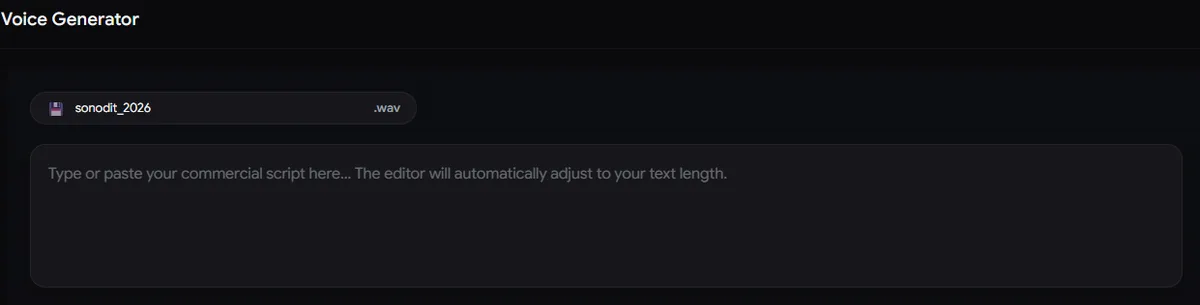
Step 2: Choose Your Professional AI Voice
Browse our extensive library of voices. You can mark your preferred options using the Heart icon for quick access. Once you've found the perfect fit, click Choose to preview the voice and proceed by clicking Generate Voice.
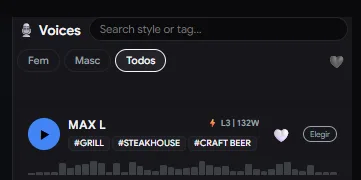
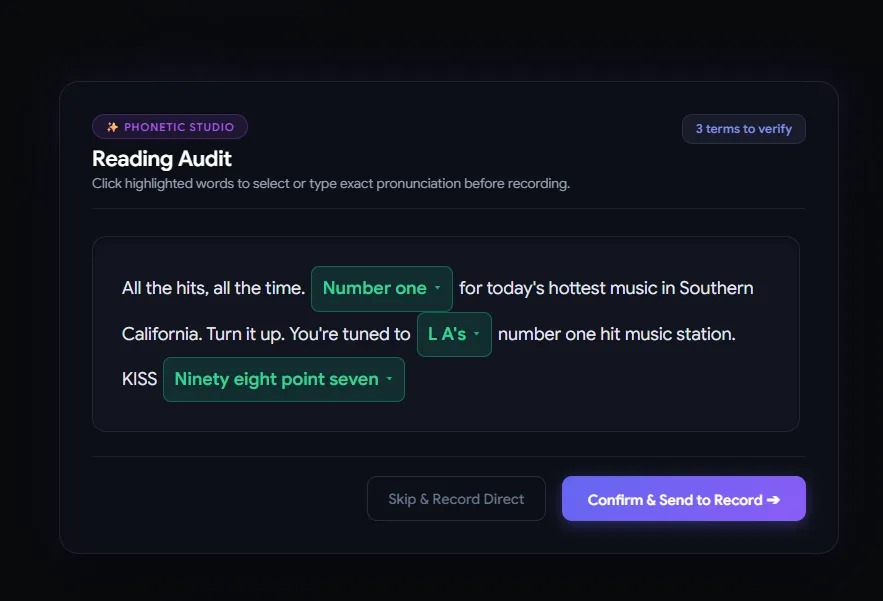
Step 3: Refine Pronunciation
SONODIT features an intelligent pronunciation engine. If the system detects unfamiliar names or technical terms, it will open a dedicated window offering multiple pronunciation options. You can select the correct one or type your own phonetic guide, then click Confirm to optimize the output.
Step 4: Apply Professional Audio Processing
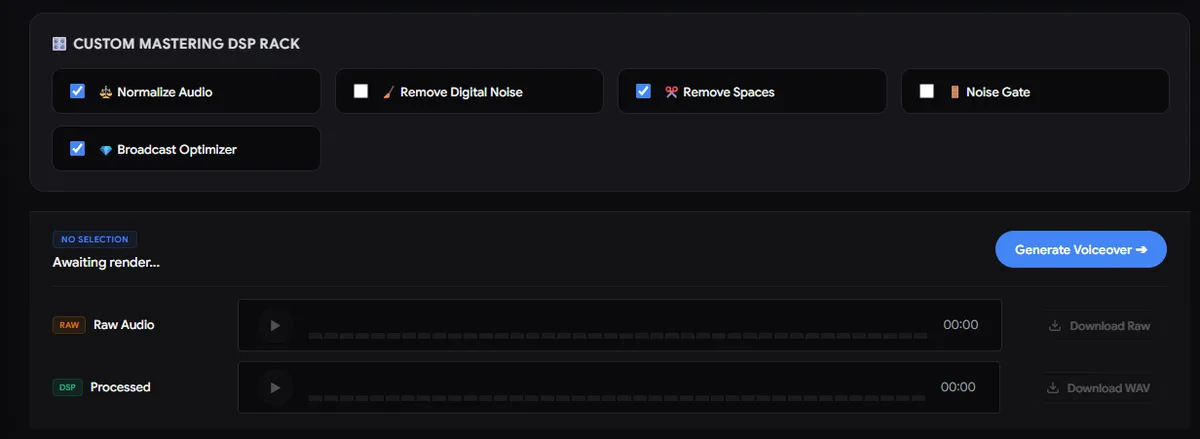
Before finalizing, tailor your audio with our automated processing suite. Select these options for a broadcast-ready sound:
- Normalize: RMS V5 normalization with phrase-based Clip Gain Matching. Essential for calibrating the master chain.
- Remover: Applies a 50Hz High-Pass filter and adaptive noise reduction between phrases.
- Silence Cutter: Automatically tightens rhythmic gaps while preserving natural cadence.
- Noise Gate: Removes subtle background hiss. (Requires 'Normalize' to be active).
- Processor: Injects your audio into our digital chain for De-essing, Commercial Compression, and FM Harmonics.
Step 5: Review and Download
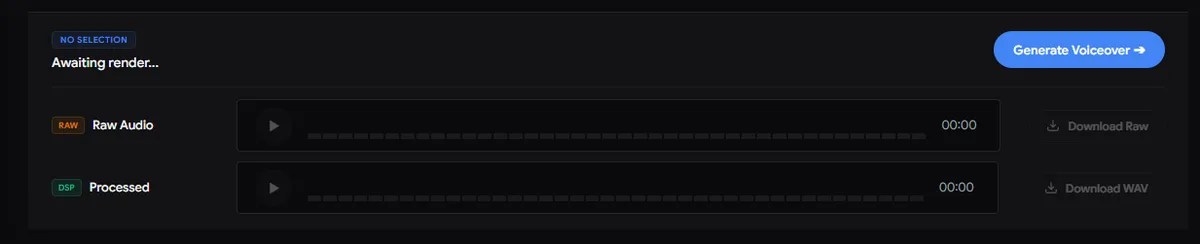
Once generation is complete, you can download both the Raw version and the Processed version. All files are delivered in professional-grade WAV 16bit 44.1kHz format, ready for immediate broadcast.
Smart Radio Studio
Producí spots de radio profesionales en minutos con inteligencia artificial.